The Online Image Splitter for your Instagram Grids
Free Instagram Grid, Carousel & Puzzle Maker
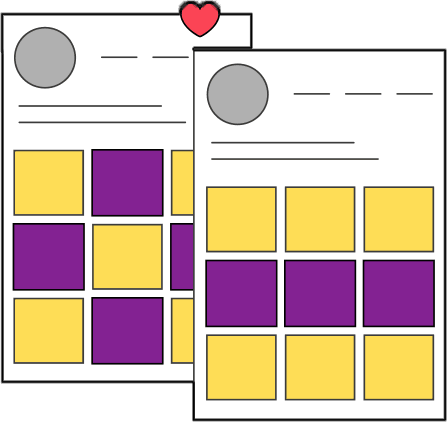
Create an engaging + beautiful Instagram grid or carousel in seconds with out Grid Maker and download your split images without installing an extra app!
Start with uploading your IG graphic, photo or puzzle to the Image Splitter tool
Drop your image here or click below to upload
Columns
Select 3 columns for a standard Instagram grid
3
Image Cut
Select if you want to cut the image into grid posts (square) or into carousel posts.
Grid
Carousel
Your split posts will be here
How to split photos into an IG grid?
Here is how the Instagram Grid Creator works:

Step 1
Choose Image or Graphic
Upload an image or a puzzle graphic from Canva
Step 2
Set your Options
Choose whether you want to cut your image into a grid or into carousel slides
Step 3
The split magic happens
Our tools cuts your grid image in the standard 3 column instagram squares or single carousel slides
Step 4
Download your Instagram Posts
We'll show you a preview of how the posts will look like in the grid or as a carousel post.
Recommended Dimensions for Split Images
Want to create a puzzle graphic yourself? Here are the ideal dimensions for Instagram grid posts:
3x1 Grid
3240 x 1080px

3x2 Grid
3240 x 2160px
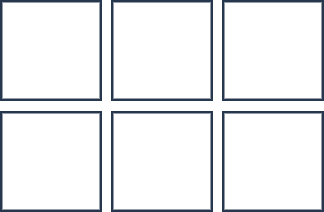
3x3 Grid
3240 x 3240px
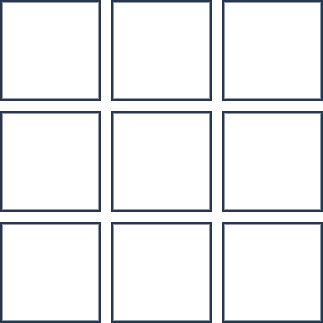
3x4 Grid
3240 x 4329px
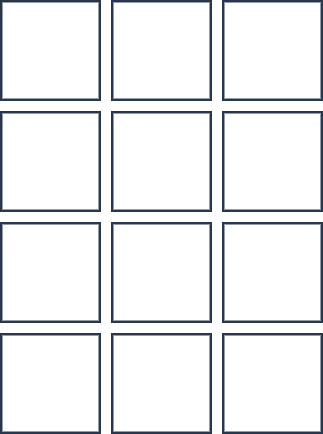
3x5 Grid
3240 x 5400px
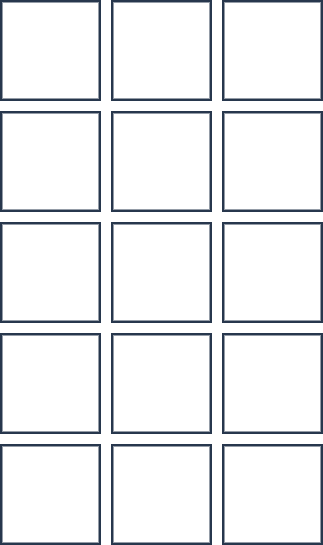
3x6 Grid
3240 x 6480px
Why use our online grid creator to split your pictures for Instagram?
- ✅ Easily cut an Instagram puzzle feed or a large photo into a 9x9 grid layout.
- ✅ No app download needed - our picture splitter tool works on desktop and on your phone.
- ✅ Slice an image into slides or squares without photoshop and download the individual photos or all Instagram grid posts as a zip archive.

Frequently Asked Questions:
► How can I split a picture into pieces for my Instagram account?
► Does this also work for puzzle feeds?
► Which size does my image need to be?
► How can I put one picture into two or more carousel slides on Instagram?